Scenario 4.1. Import Journals
4.1.S2. User can fix failed import journals successfully.
GIVENuser already logged inANDuser visit homeWHENuser click menu "Journals"
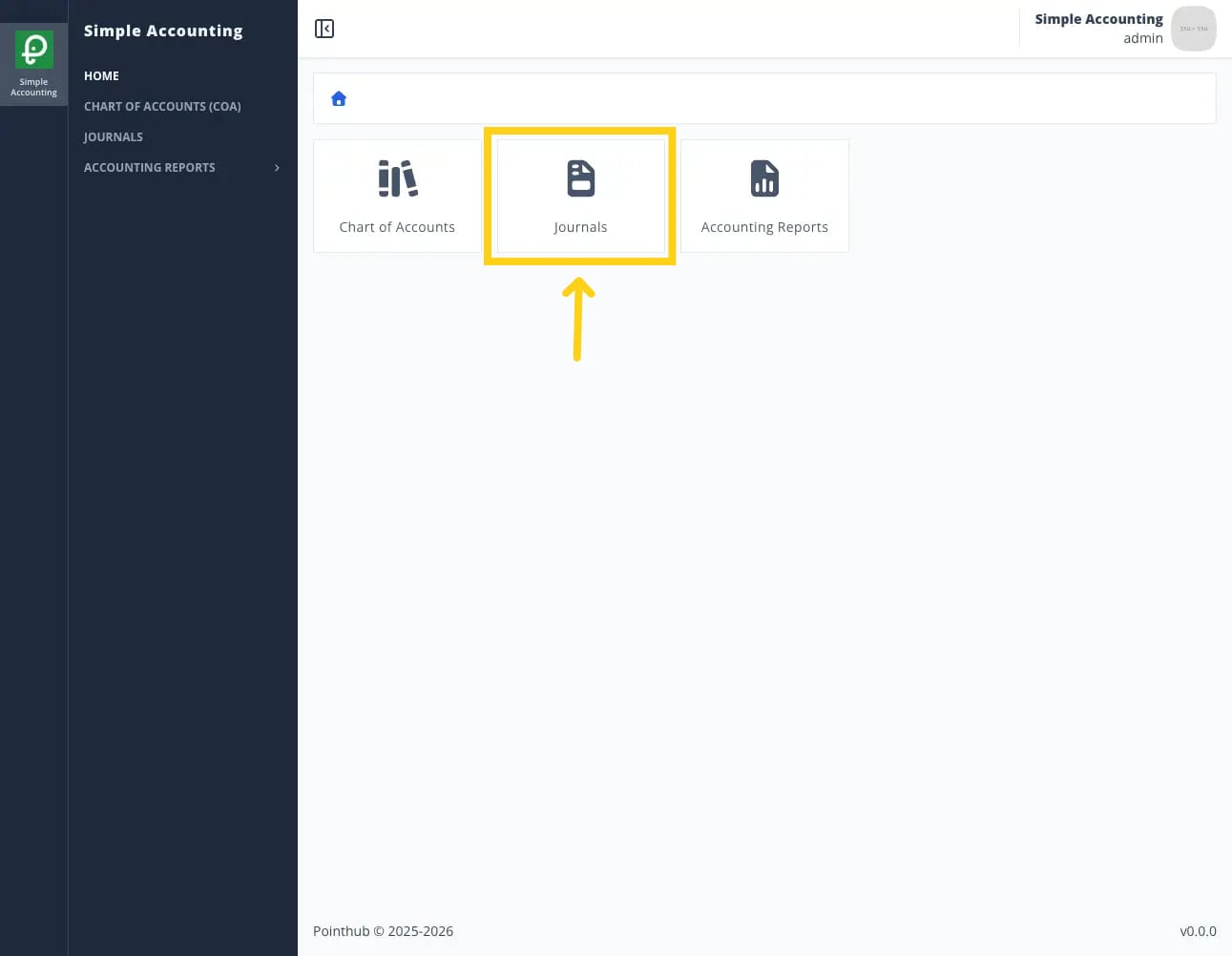
THENuser redirected to list journals pageWHENuser click import button
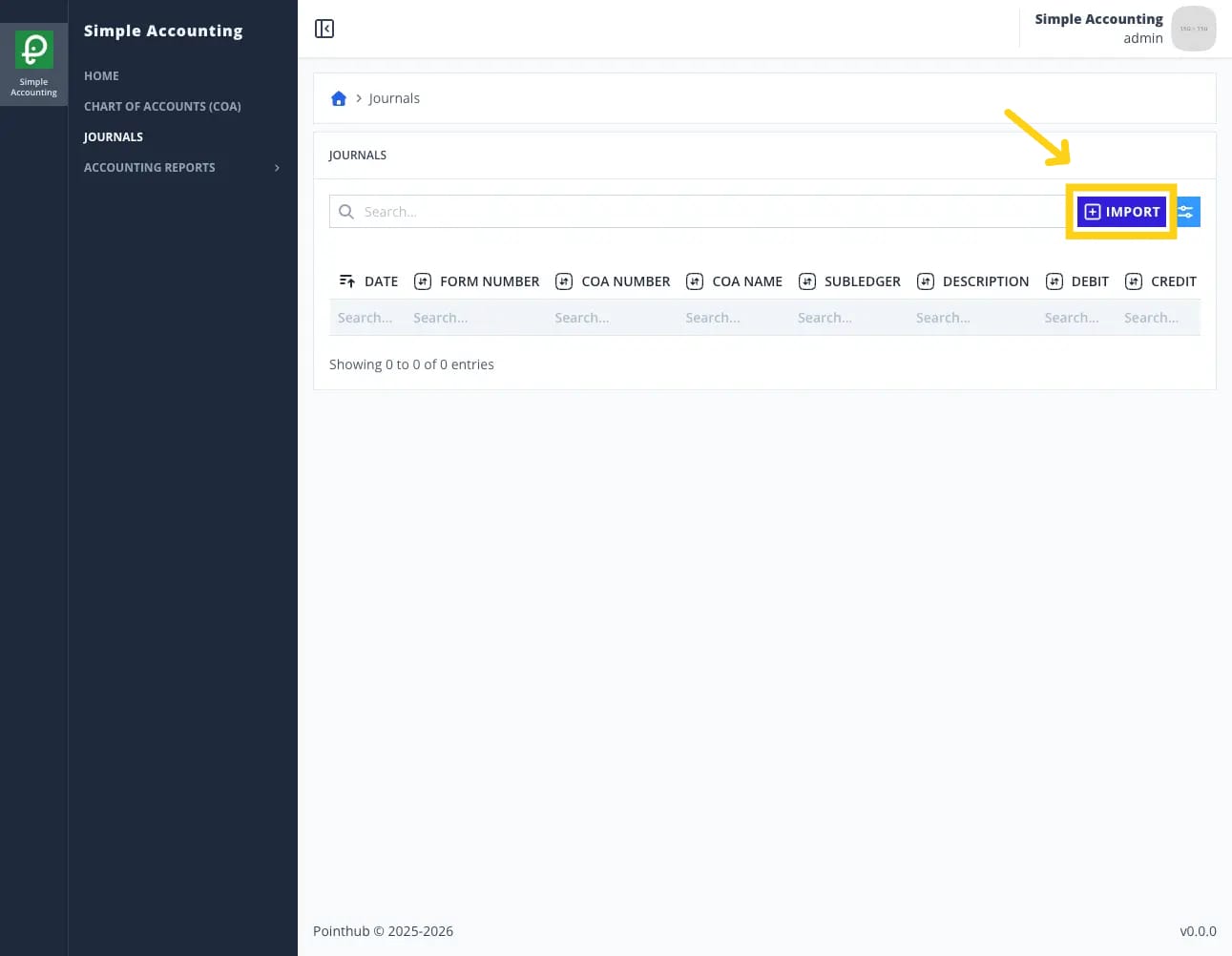
THENuser redirected to import journals pageWHENuser click instruction button
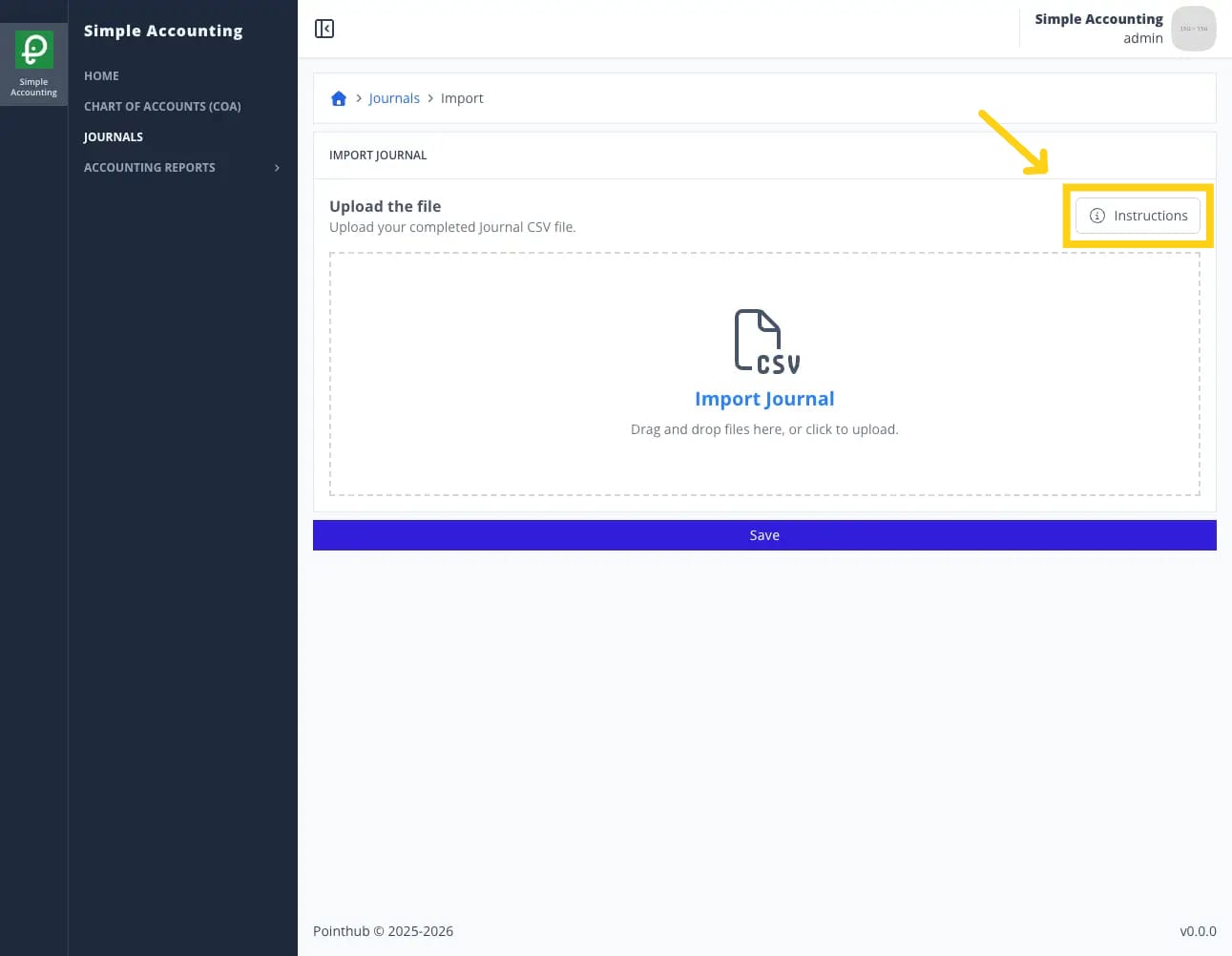
THENuser sees popup import instructions
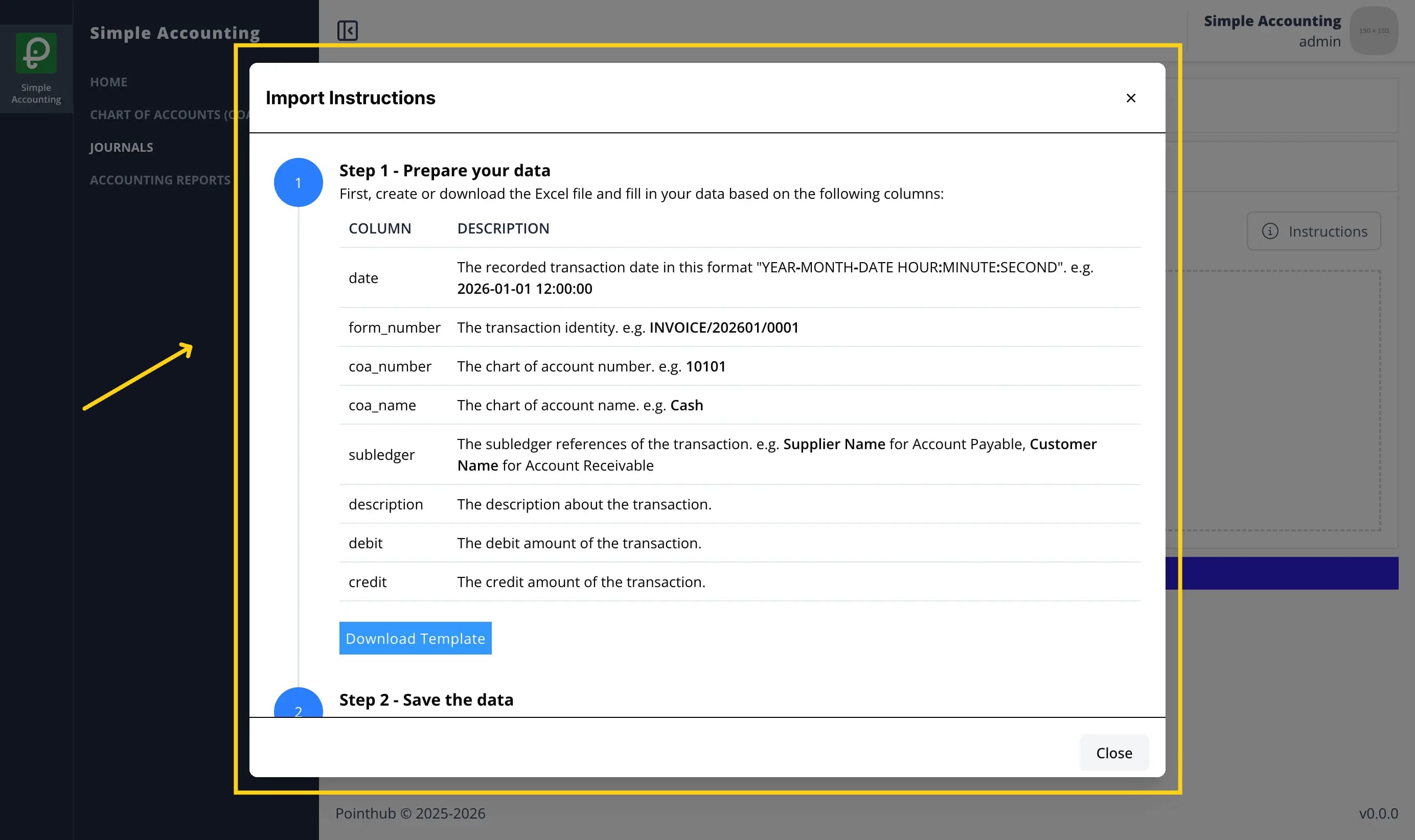
WHENuser click close button
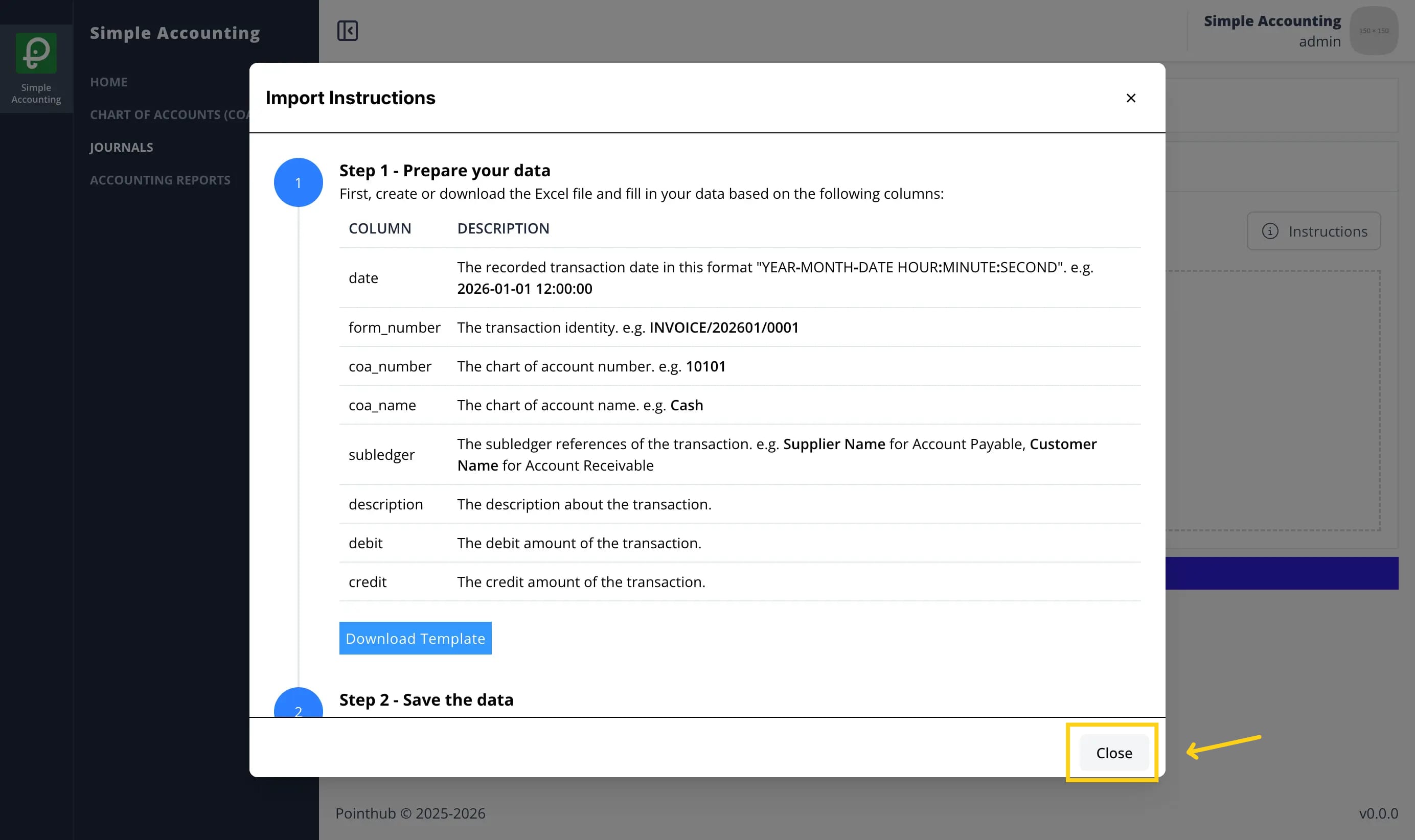
THENuser sees popup import instructions disappearWHENuser upload csv file in the upload form
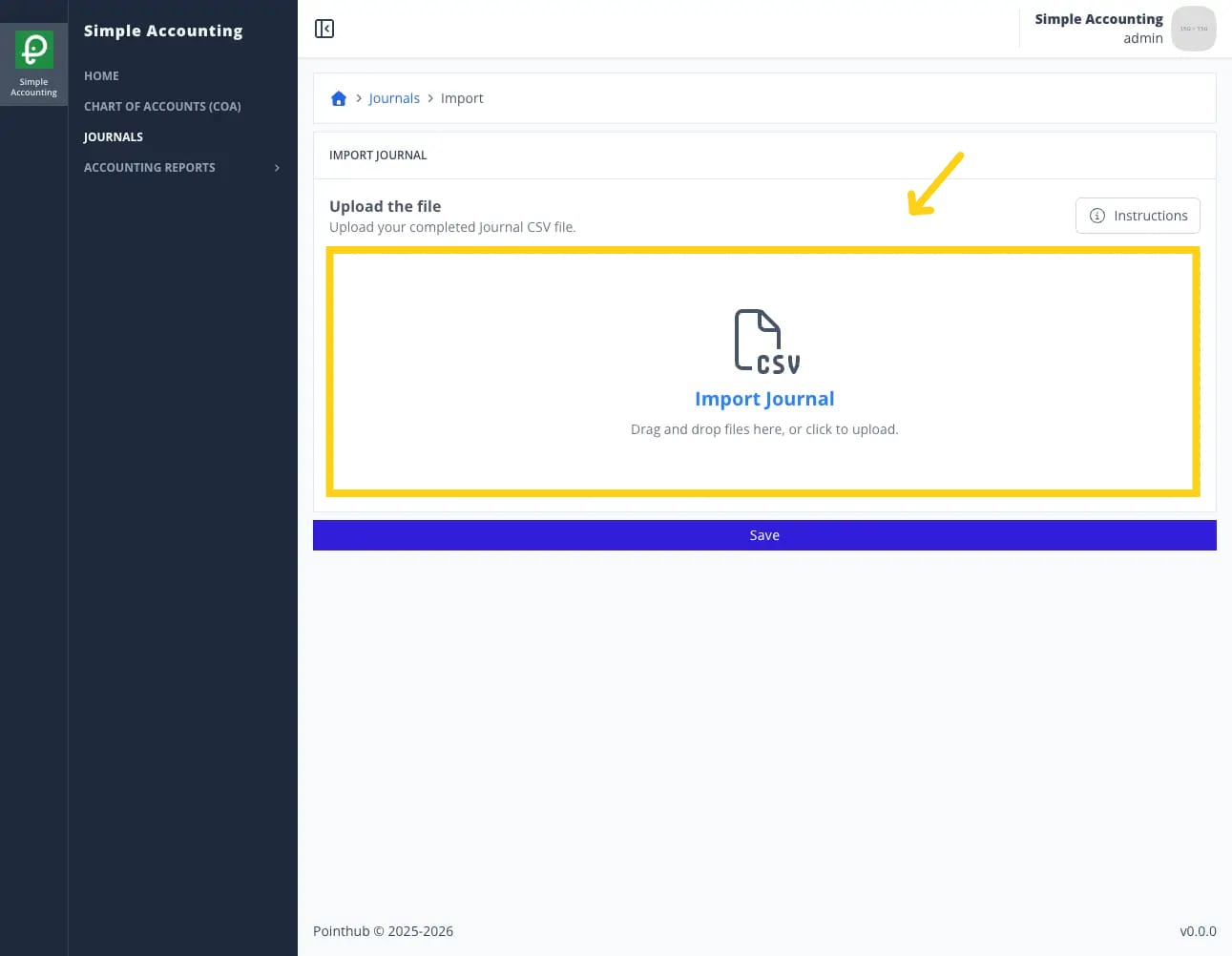
WHENuser click save button
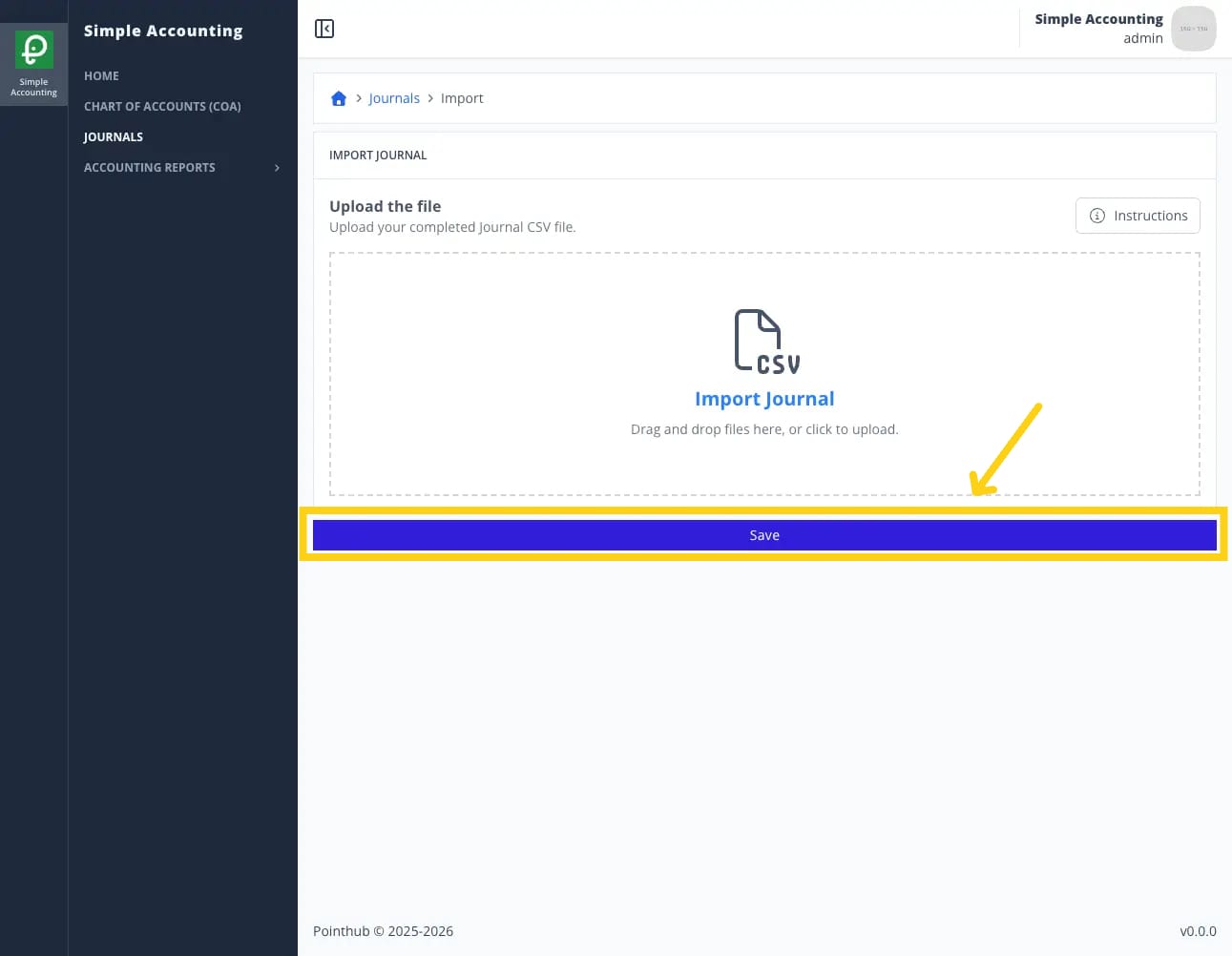
THENuser see notification "Import completed with some invalid fields. Please review and fix the errors"
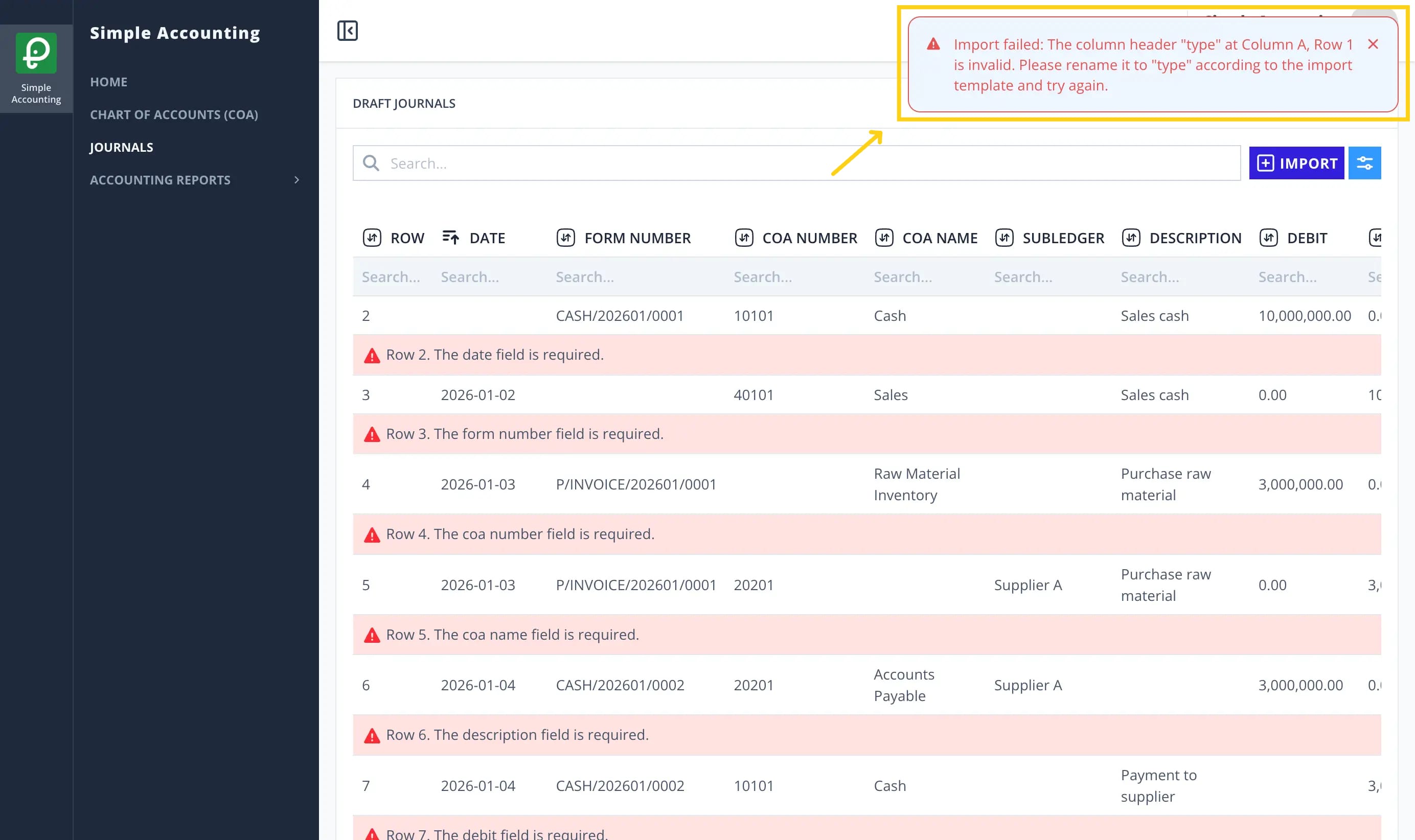
THENuser sees error message "Row 2. The date field is required."ANDuser sees error message "Row 3. The form number field is required."ANDuser sees error message "Row 4. The coa number field is required."ANDuser sees error message "Row 5. The coa name field is required."ANDuser sees error message "Row 6. The description field is required."ANDuser sees error message "Row 7. The debit field is required."ANDuser sees error message "Row 8. The credit field is required."ANDuser sees error message "Row 9. coa number "40101" and coa name "Wrong Name" combination not found."ANDuser sees error message "Row 10. coa number "Wrong Number" and coa name "Cost of Sales" combination not found."ANDuser sees error message "Row 11. invalid date format at row 2. Expected yyyy-MM-dd (ex: 2025-12-31)"ANDuser sees error message "Row 12. The journal debit and credit amounts are not balanced."ANDuser sees error message "Row 13. The journal debit and credit amounts are not balanced."ANDuser sees error message "Row 14. all rows with form_number "CASH/202601/0004" must have the same date."ANDuser sees error message "Row 15. all rows with form_number "CASH/202601/0004" must have the same date."
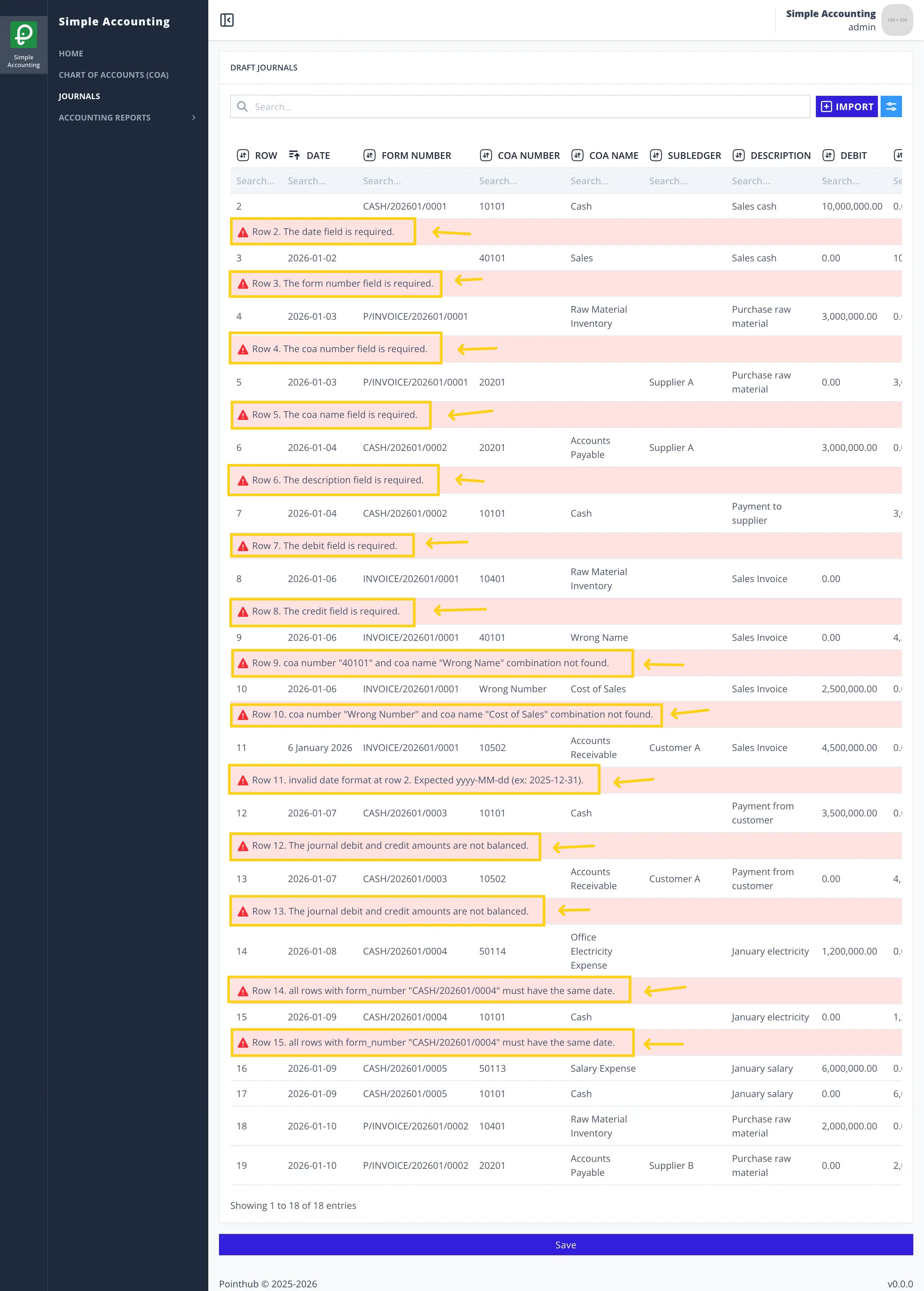
WHENuser enters "2026-01-02" in the date field in row 2WHENuser enters "CASH/202601/0001" in the form_number field in row 3WHENuser enters "10401" in the coa number field in row 4WHENuser enters "Accounts Payable" in the coa name field in row 5WHENuser enters "Payment to supplier" in the description field in row 6WHENuser enters "4,500,000.00" in the debit field in row 7WHENuser enters "4,500,000.00" in the credit field in row 8ANDchanges from "Wrong Name" to "Sales" in the coa name field in row 9ANDchanges from "Wrong Number" to "50101" in the coa number field in row 10ANDchanges from "6 January 2026" to "2026-01-06" in the date field in row 11ANDchanges from "3,500,000.00" to "4,500,000.00" in the type field in row 12ANDchanges from "2026-01-08" to "2026-01-09" in the type field in row 14
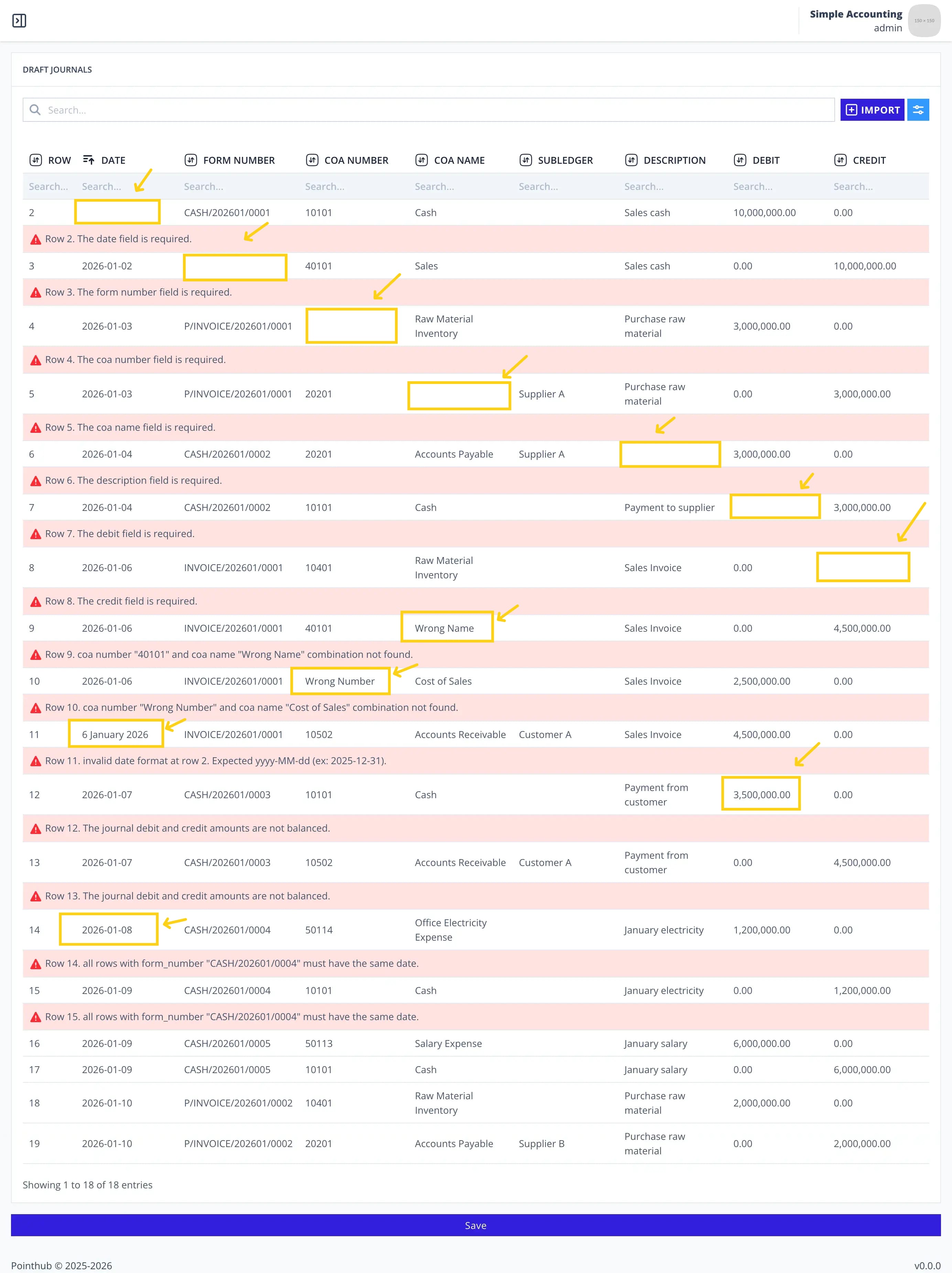
WHENuser click save button
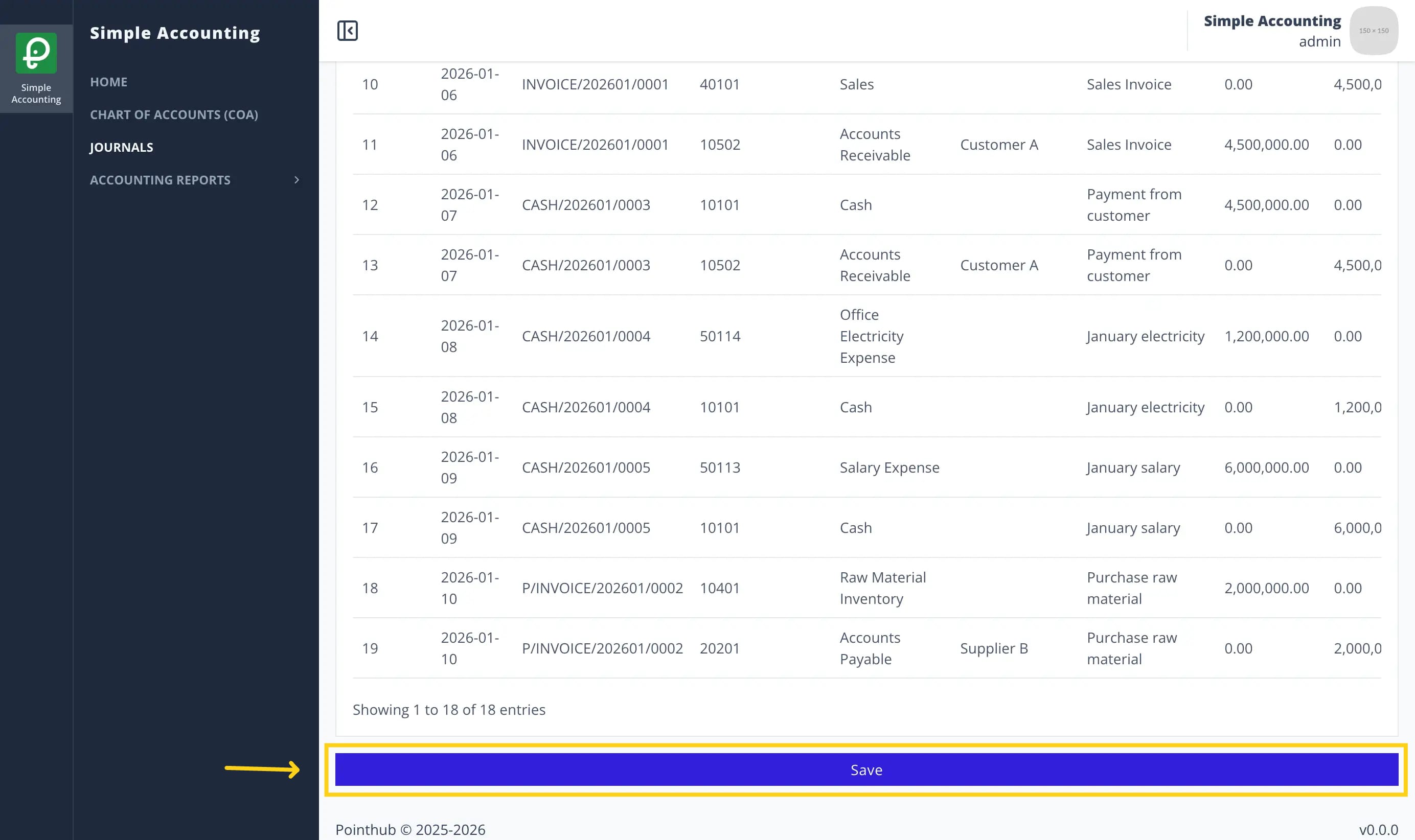
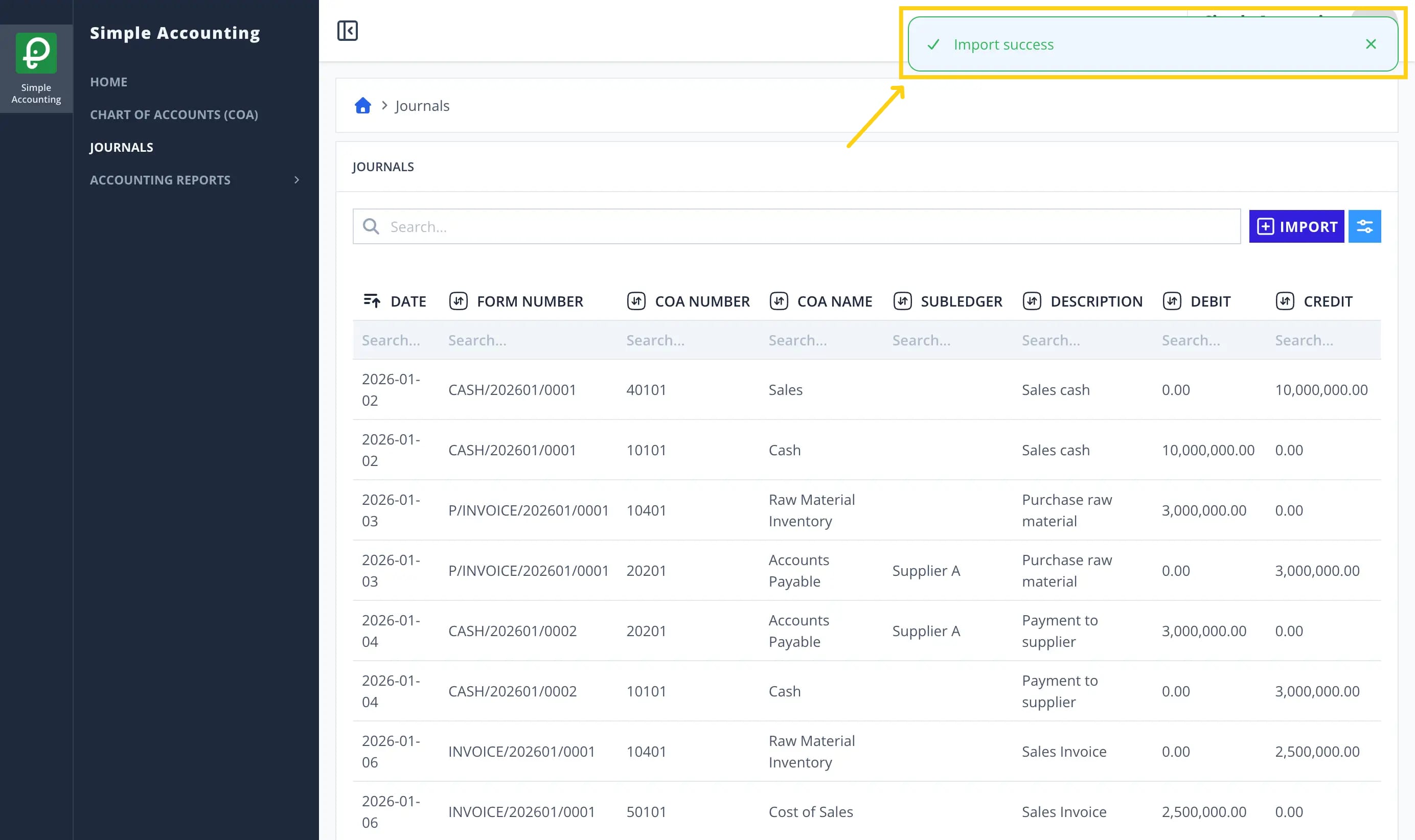
THENuser sees notification "Import success"