Scenario 3.1. Import Chart of Account
3.1.S2. User can fix failed import chart of accounts (COA) successfully.
GIVENuser already logged inANDuser visit homeWHENuser click menu "Chart of Accounts"
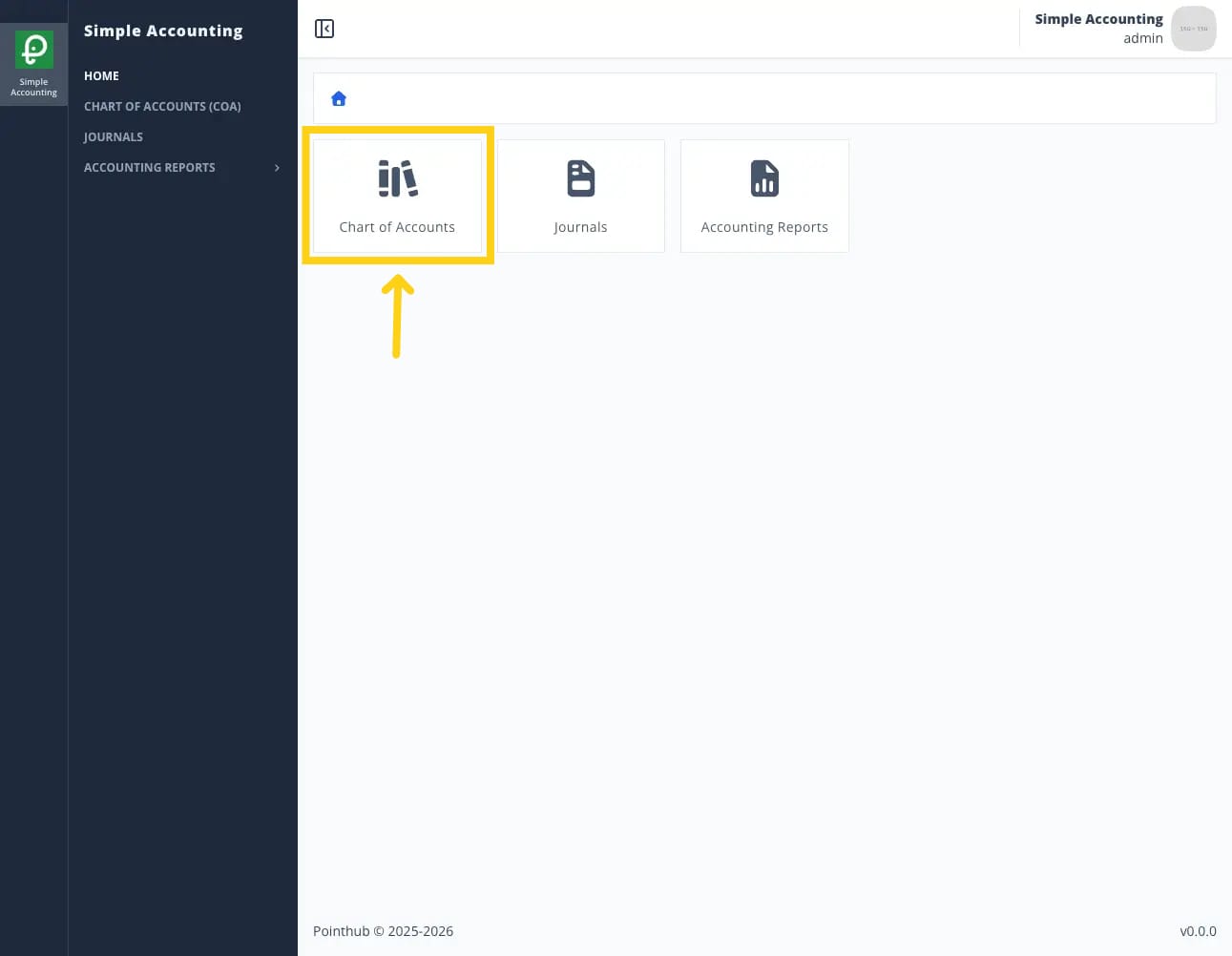
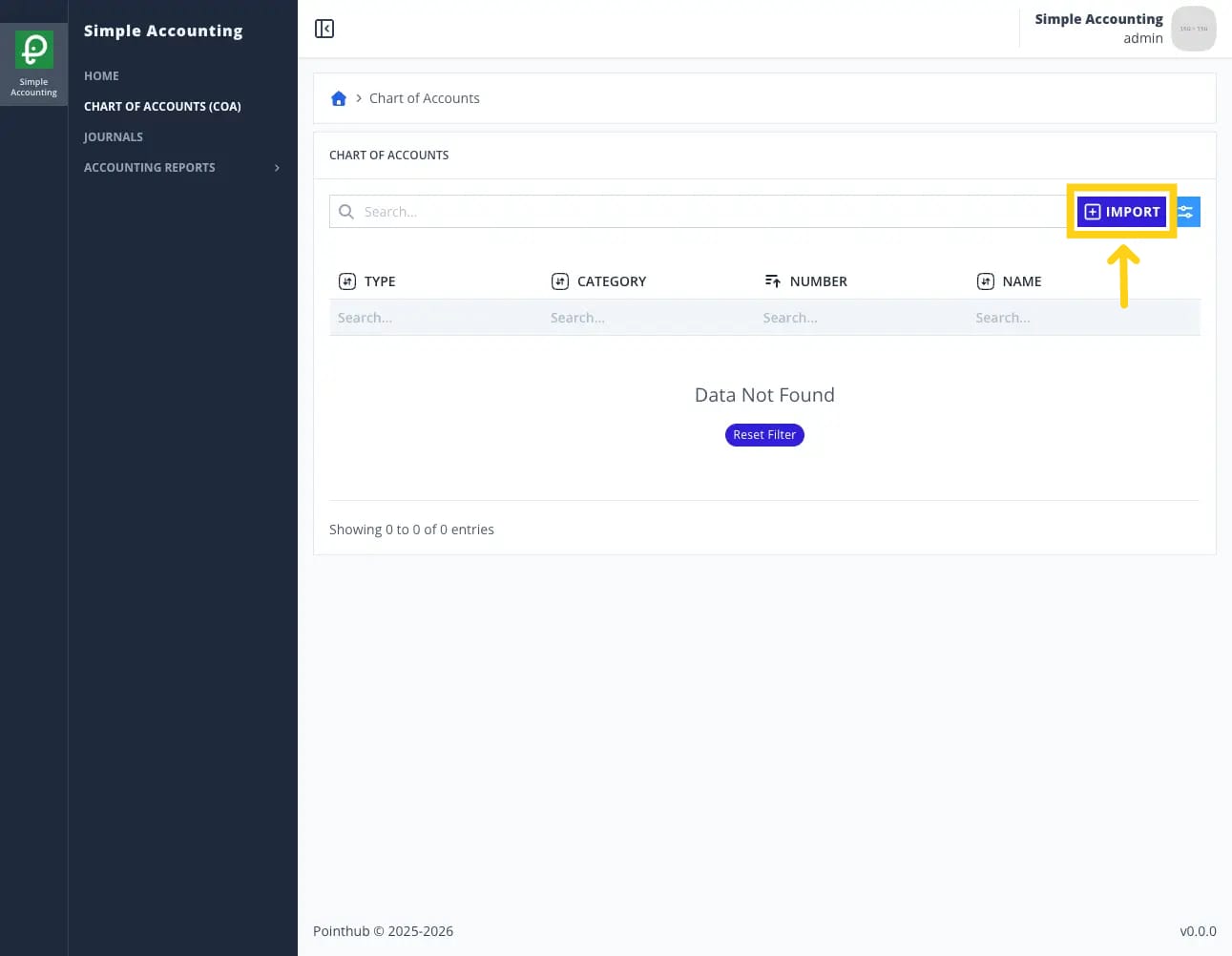
THENuser redirected to list chart of account pageWHENuser click import button
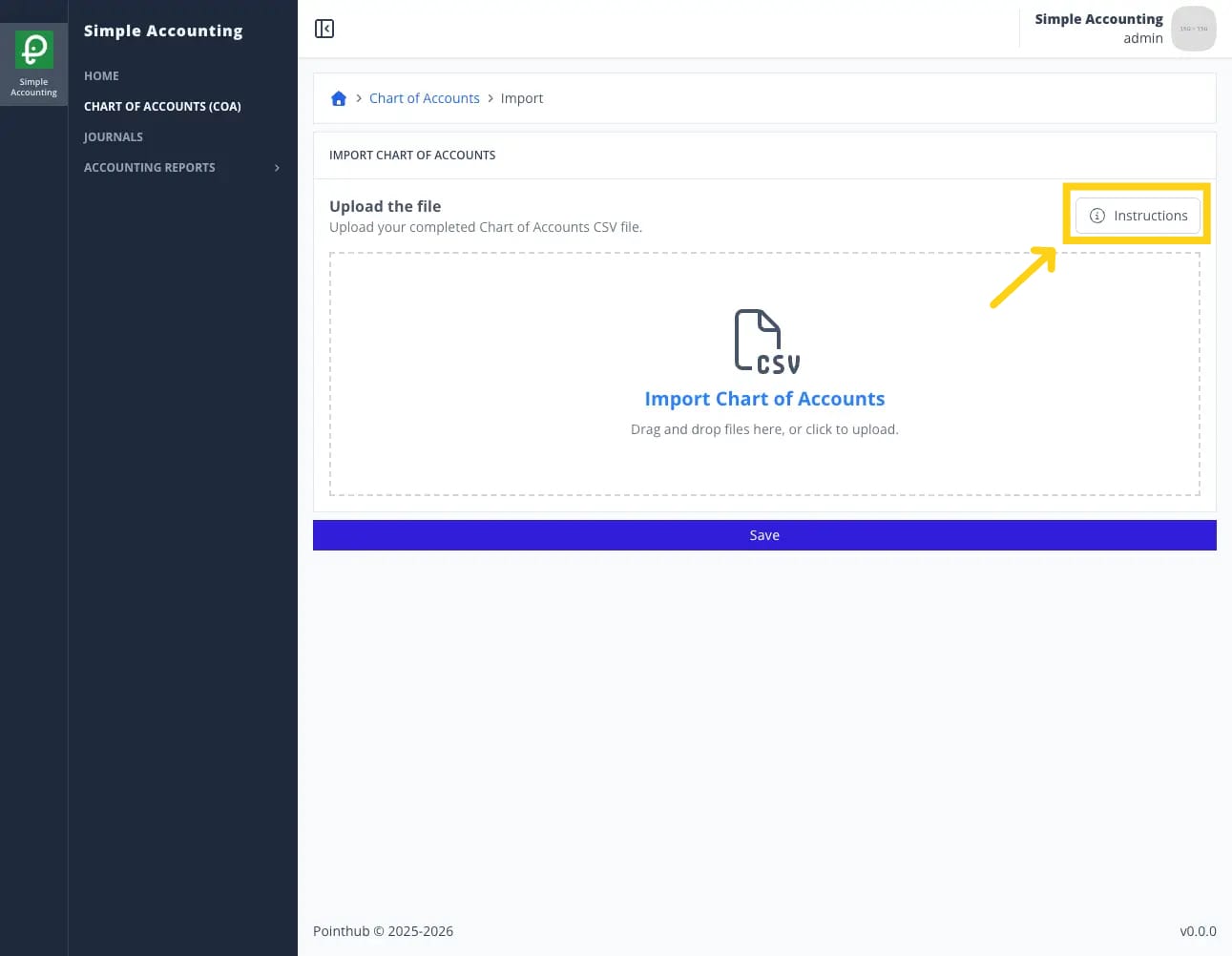
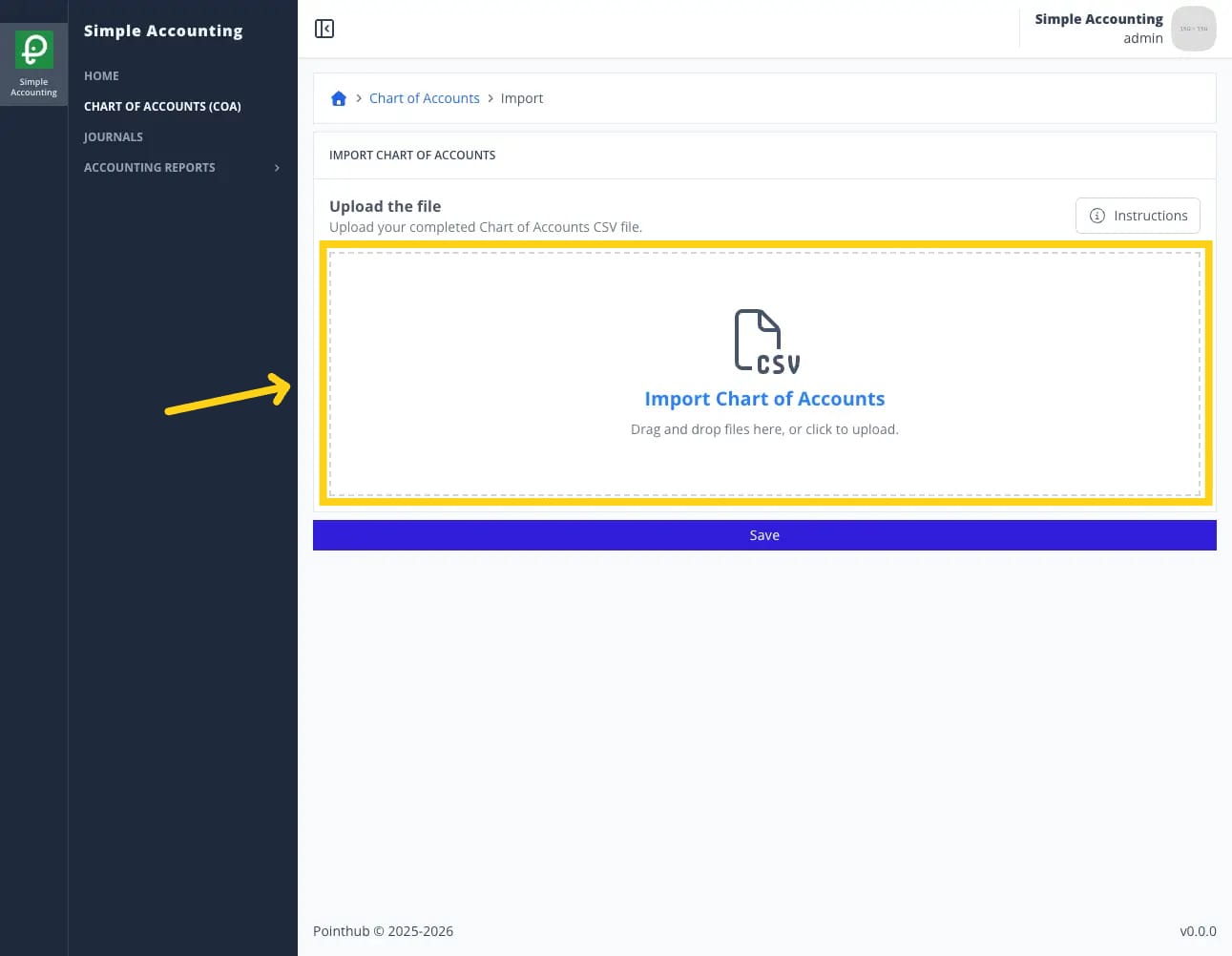
THENuser redirected to import chart of account pageWHENuser click instruction button
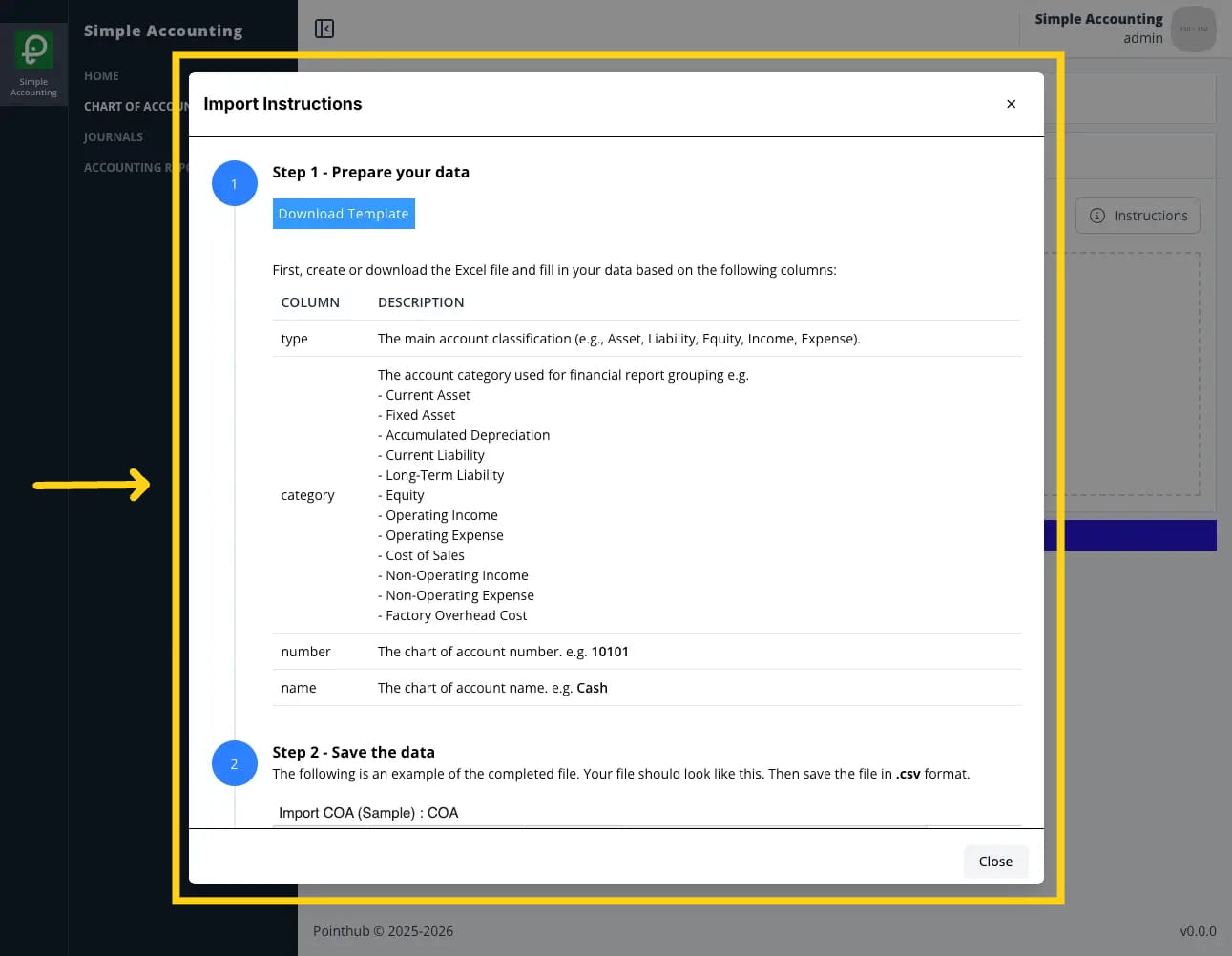
THENuser sees popup import instructions
WHENuser click close button
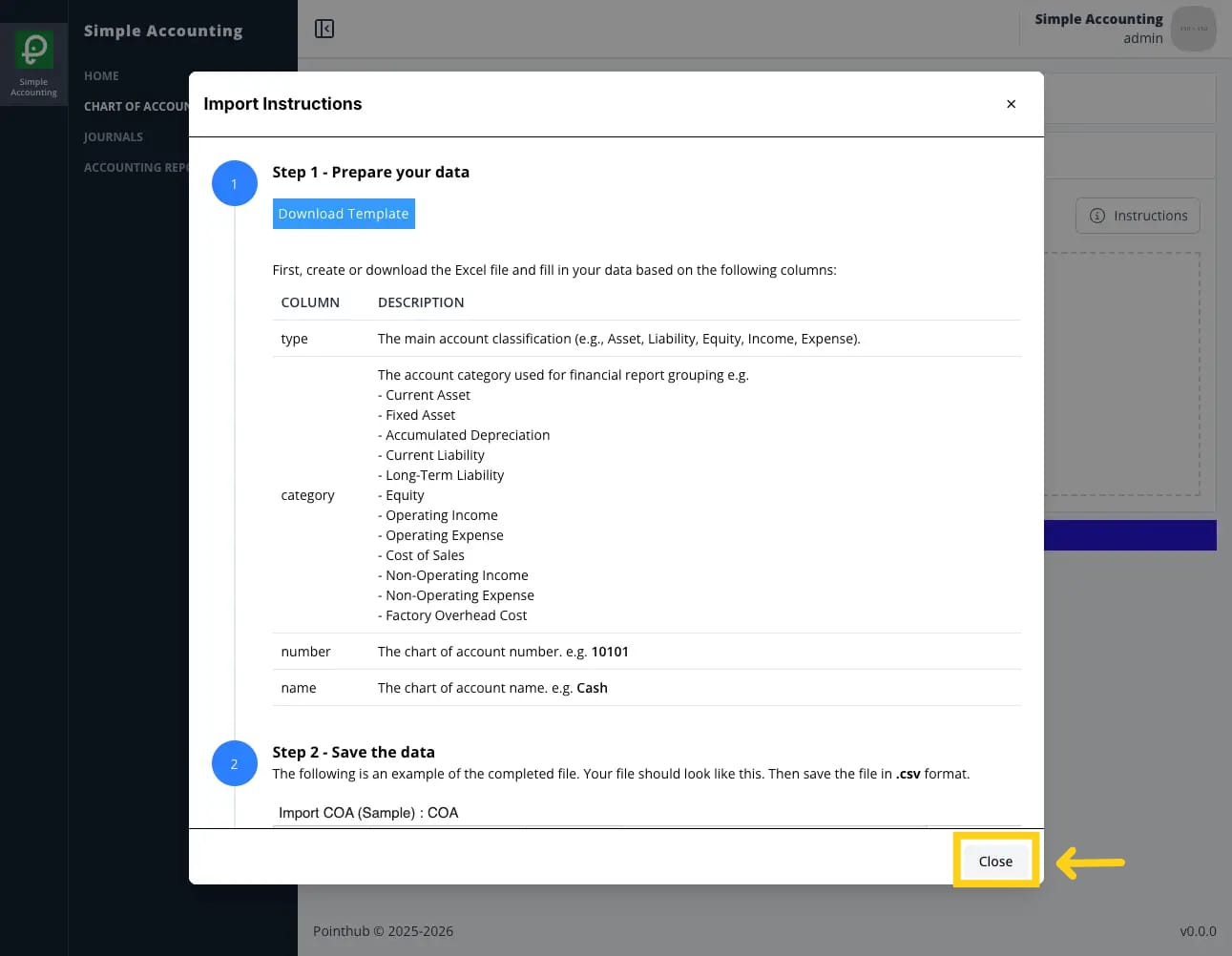
THENuser sees popup import instructions disappearWHENuser upload csv file in the upload form
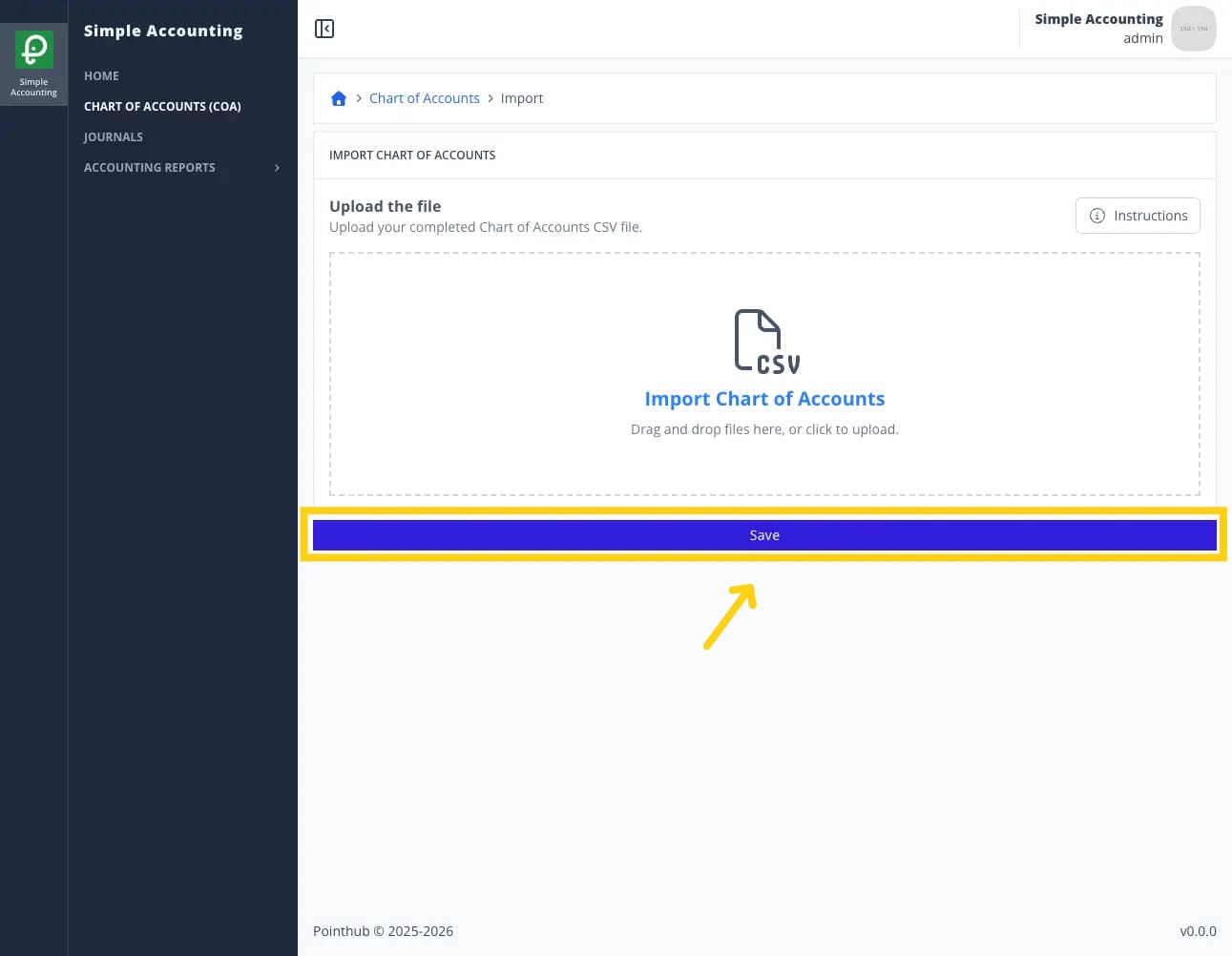
WHENuser click save button
THENuser sees notification "Import completed with some invalid fields. Please review and fix the errors"
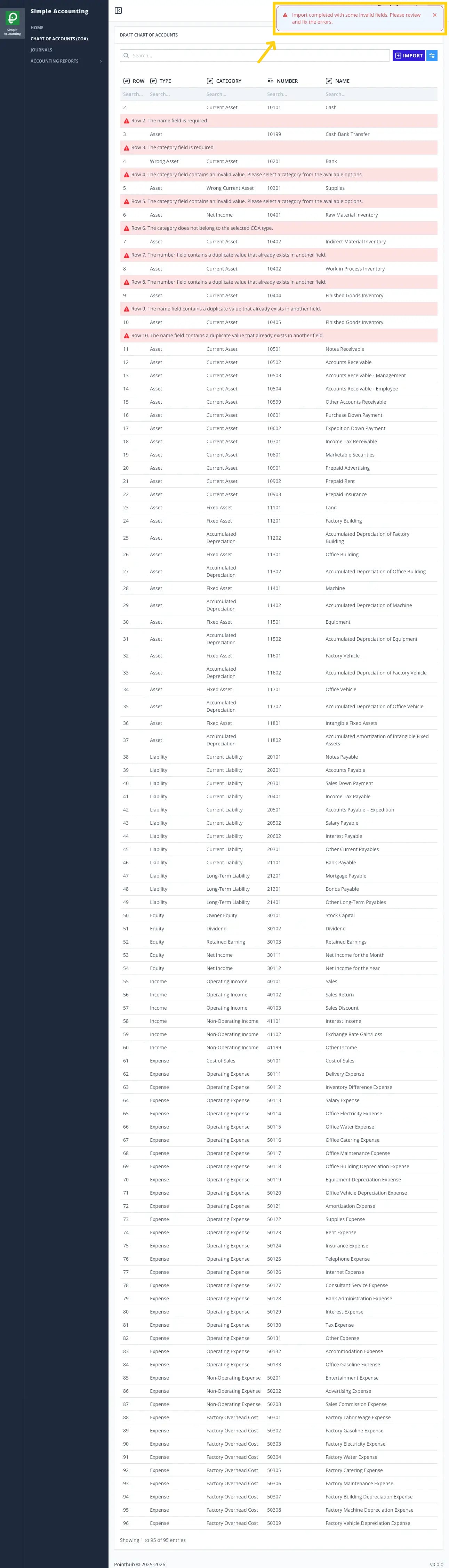
THENuser sees error message "Row 2. The name field is required."ANDuser sees error message "Row 3. The category field is required."ANDuser sees error message "Row 7. The number field contains a duplicate value that already exists in another field."ANDuser sees error message "Row 8. The number field contains a duplicate value that already exists in another field."ANDuser sees error message "Row 9. The name field contains a duplicate value that already exists in another field."ANDuser sees error message "Row 10. The name field contains a duplicate value that already exists in another field."ANDuser sees error message "Row 4. The category field contains an invalid value. Please select a category from the available options."ANDuser sees error message "Row 5. The category field contains an invalid value. Please select a category from the available options."ANDuser sees error message "Row 6. The category does not belong to the selected COA type."
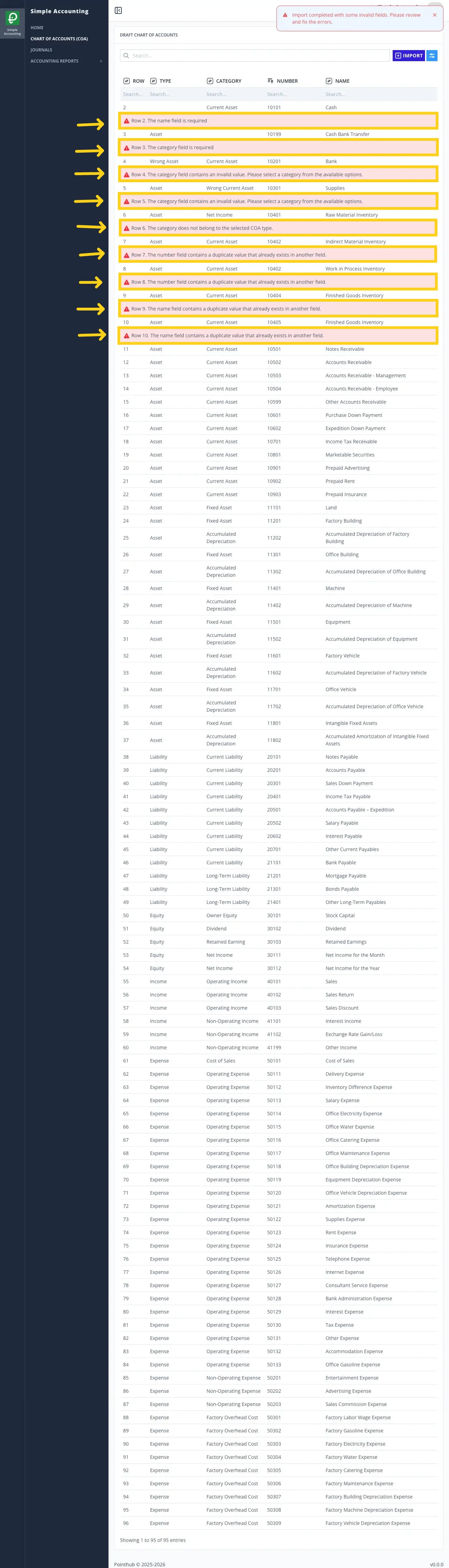
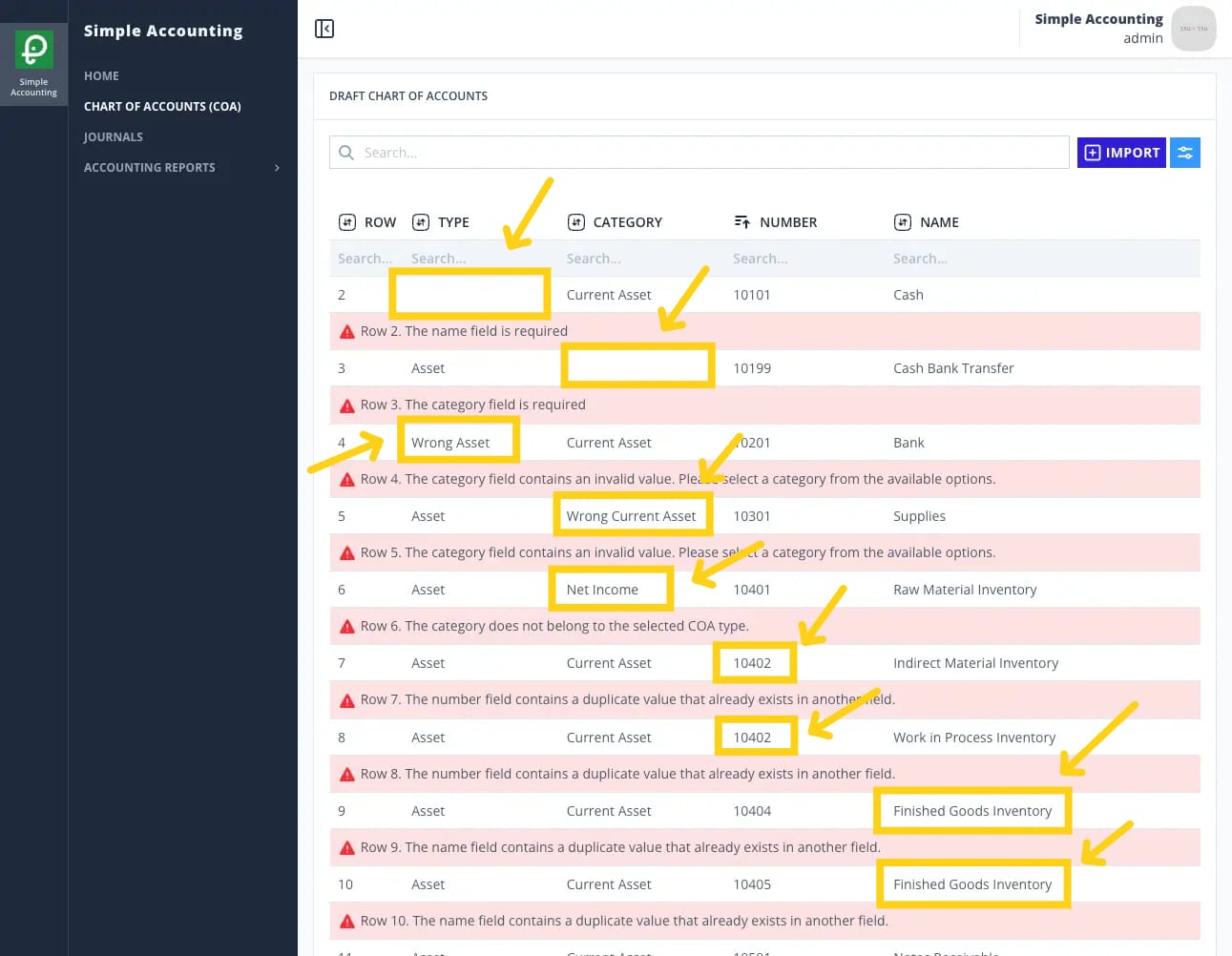
WHENuser enters "Asset" in the type field in row 2ANDuser enters "Current Asset" in the category field in row 3ANDchanges from "Wrong Asset" to "Asset" in the type field in row 4ANDchanges from "Wrong Current Asset" to "Current Asset" in the category field in row 5ANDchanges from "Net Income" to "Current Asset" in the category field in row 6ANDchanges from "10402" to "10403" in the number field in row 8ANDchanges from "Finished Goods Inventory" to "Inventory in Distribution" in the name field in row 10
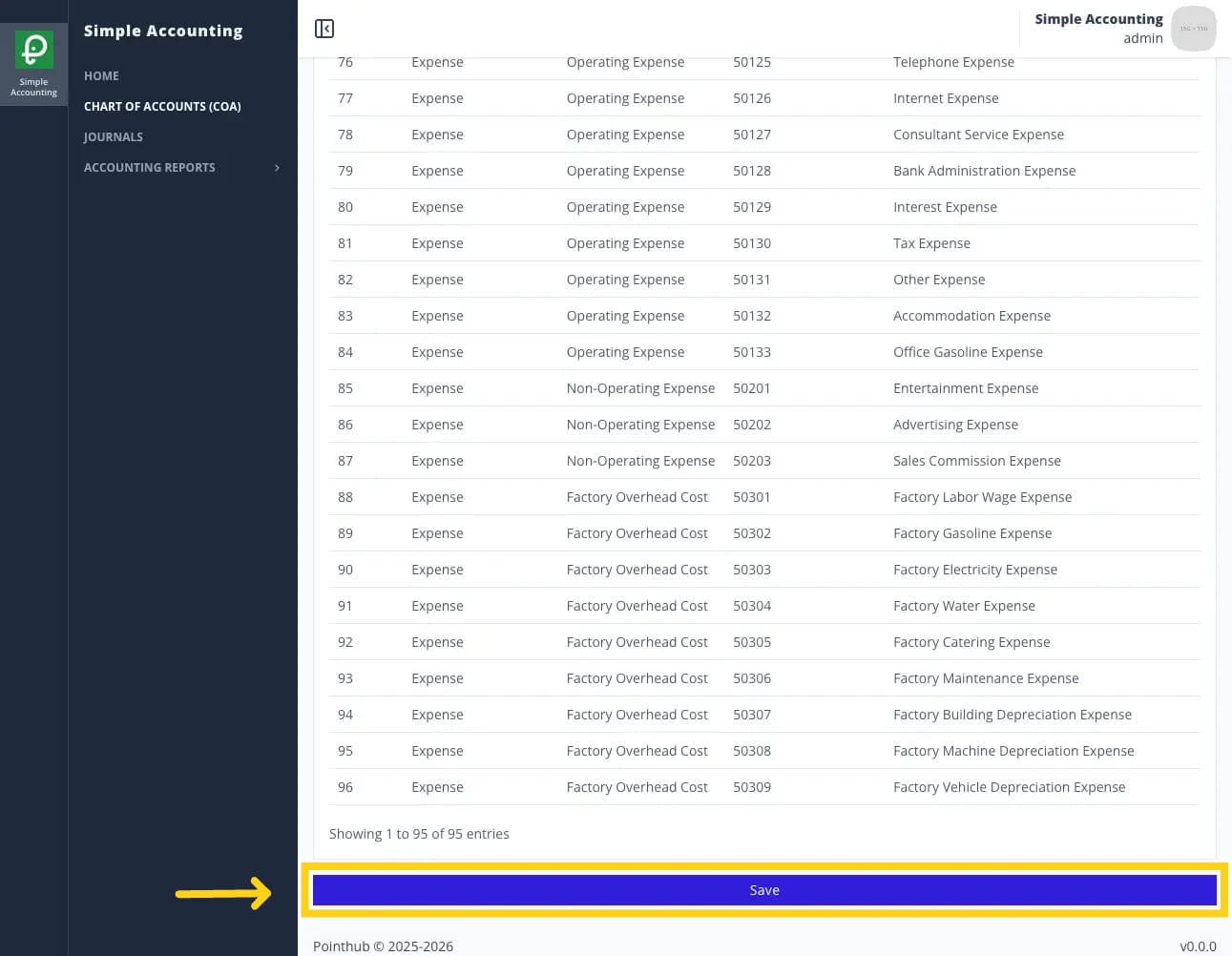
WHENuser click save button
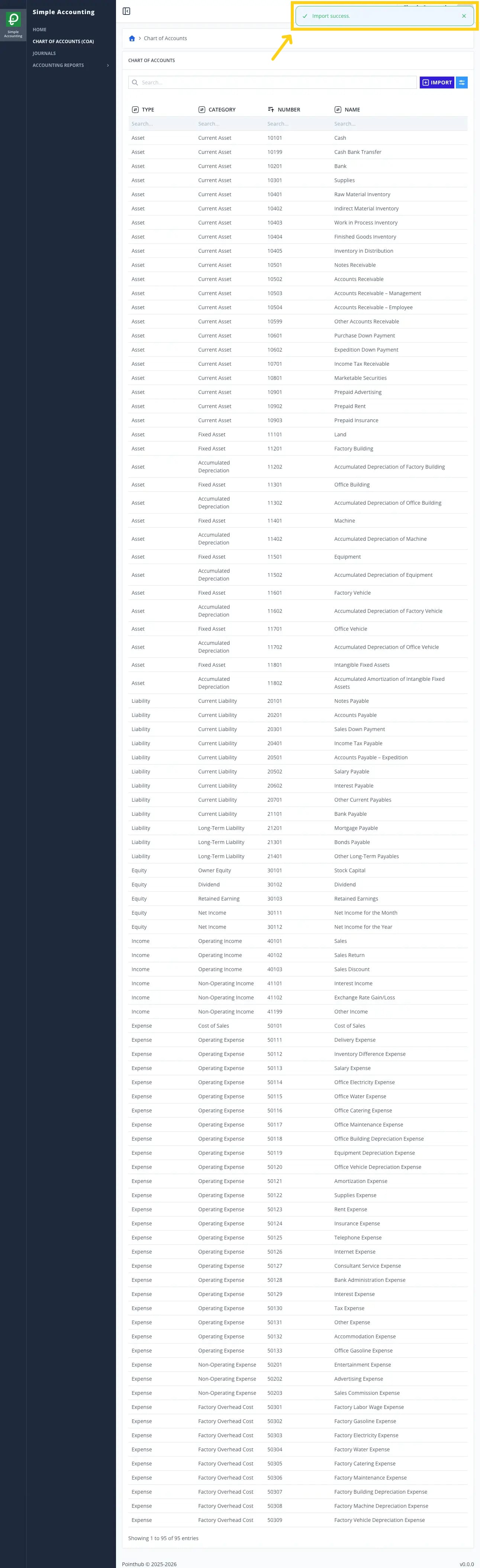
THENuser sees notification "Import success"